Deal details
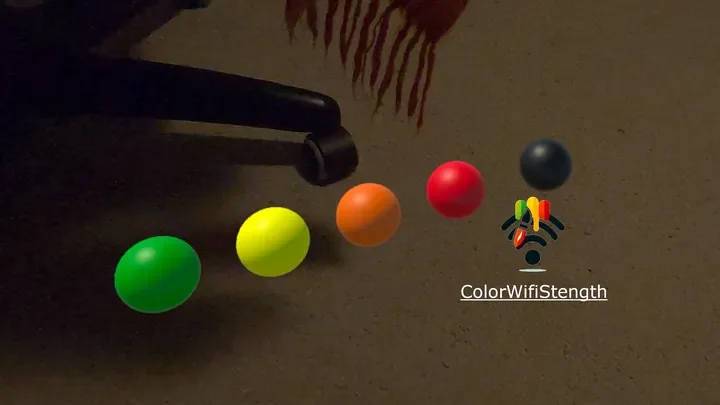
With this app, you can visualize your WiFi signal with colors. The headset automatically detects the signal strength, and when you press the right trigger button, a ball is placed where you hold the controller. The signal is measured in your headset, so for the best precision, you should place the balls near your head. The colors are displayed in five levels: green, yellow, orange, red, and black. Green represents the strongest signal, red is the weakest, and black means no connection at all. Have fun exploring your WiFi coverage!
Game details
- Age rating
- PEGI 3
- Game modes
- Single user
- Player modes
- Roomscale
- Controllers
- Touch controllers
- Supported platforms
- Meta Quest 3S, Meta Quest 3, Meta Quest Pro, Meta Quest 2
- Languages
- English
- Version
- 0.3
- Developer
- carllarsson studios
- Publisher
- Carllarsson Studios
- Release date
- 19 May 2025
- Space required
- 154.68 MB
- Comfort level
- Comfortable
- Internet
- Internet connection required
Related VR picks
Explore topics →
Deal
ETHEREAL
Use Code: Lordsi

Deal
Forklift Simulator VR - Realistic Fork lifter Operator
Use Code: Lordsi
News
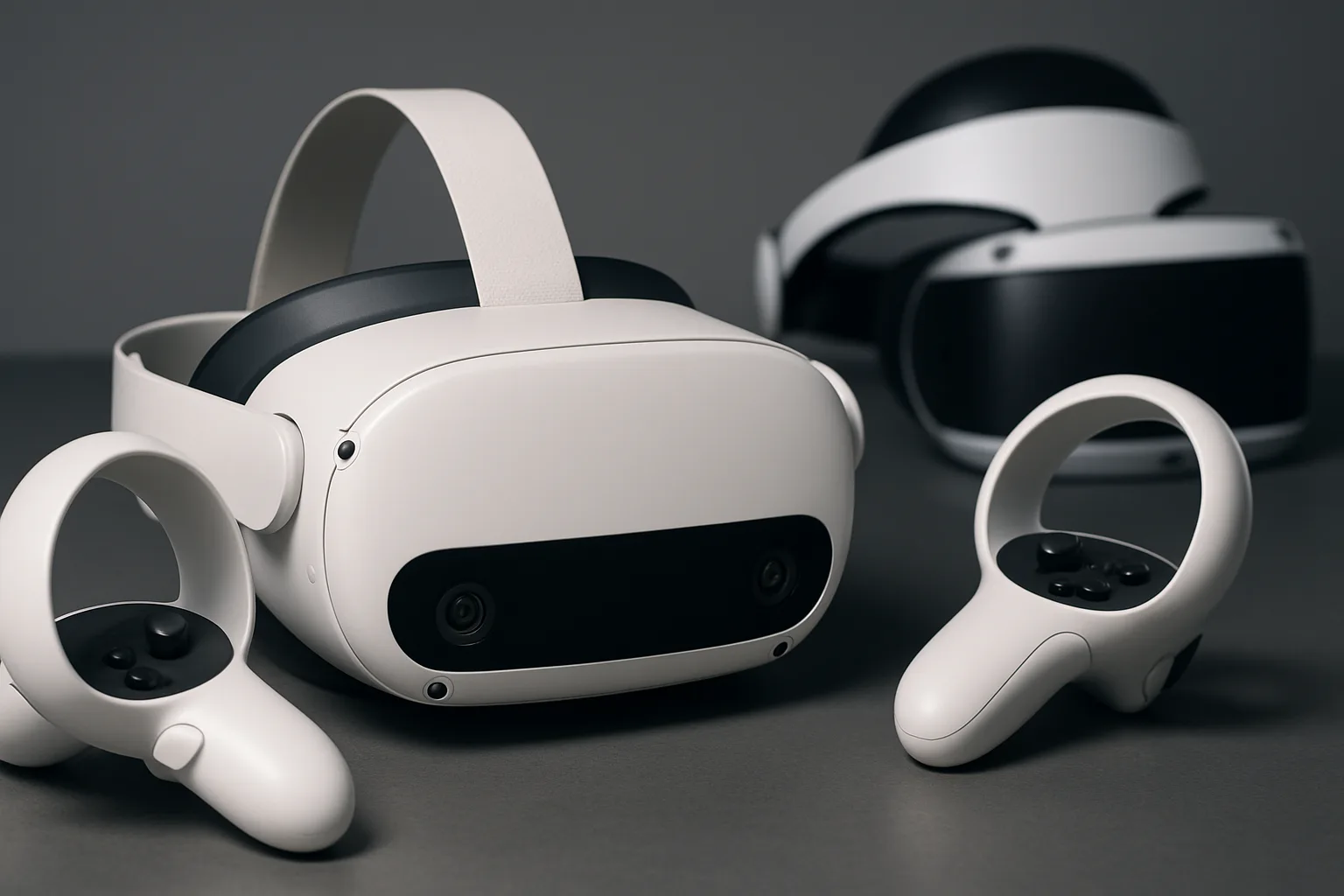
PSVR Exclusive Astro Bot Rescue Mission Now Running on Quest 3 via VR Mod
AI assisted coding has accelerated VR modding, with the latest achievement bringing PlayStation exclusive Astro Bot Rescue Mission to Quest 3 hardware.

News
Meta Launches $1 Million Competition for Hands First VR Applications
Meta has announced a $1 million developer competition focused on creating and updating hands first applications for Quest headsets and upcoming VR Glasses.
Accessory
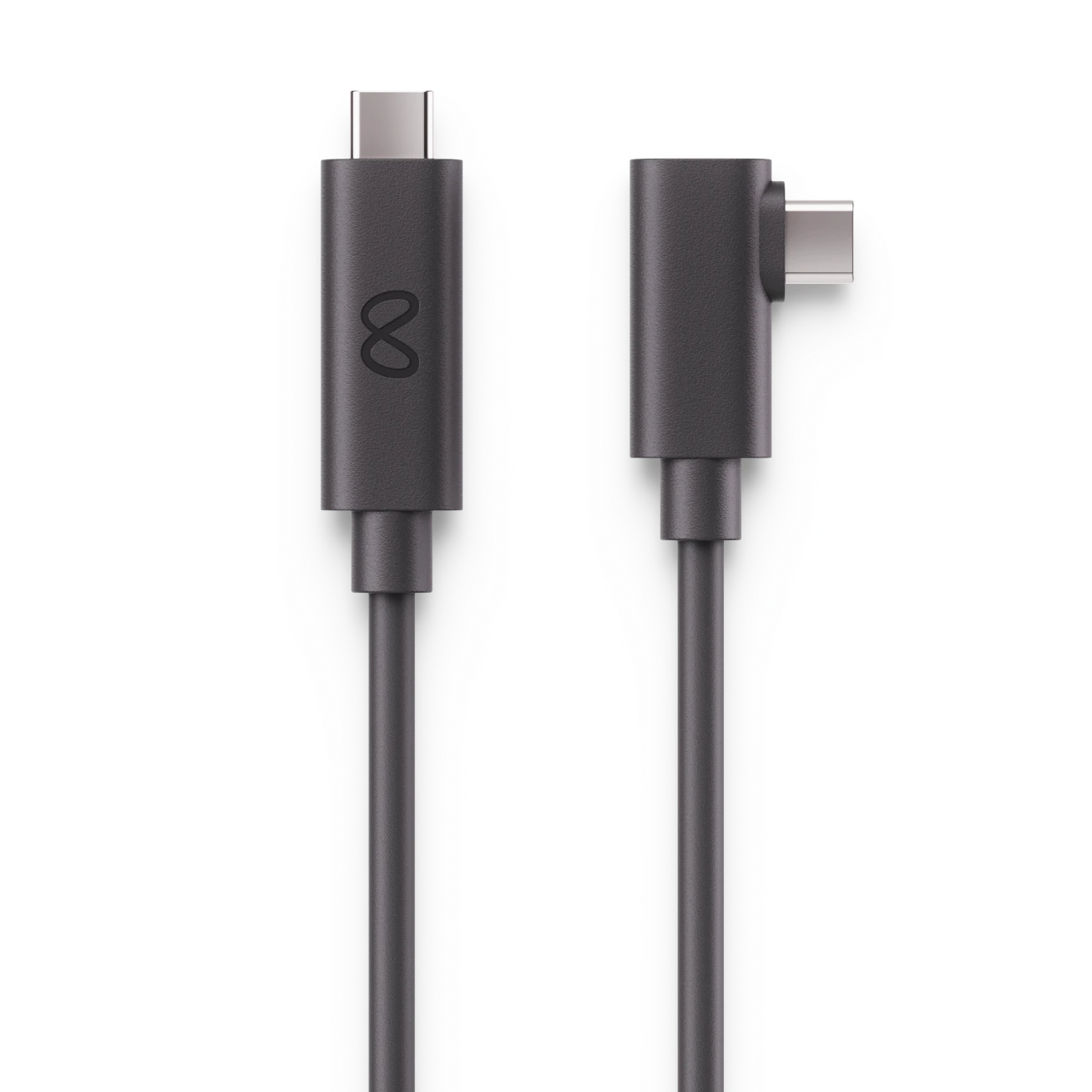
Meta Quest Link cable
Other
Accessory
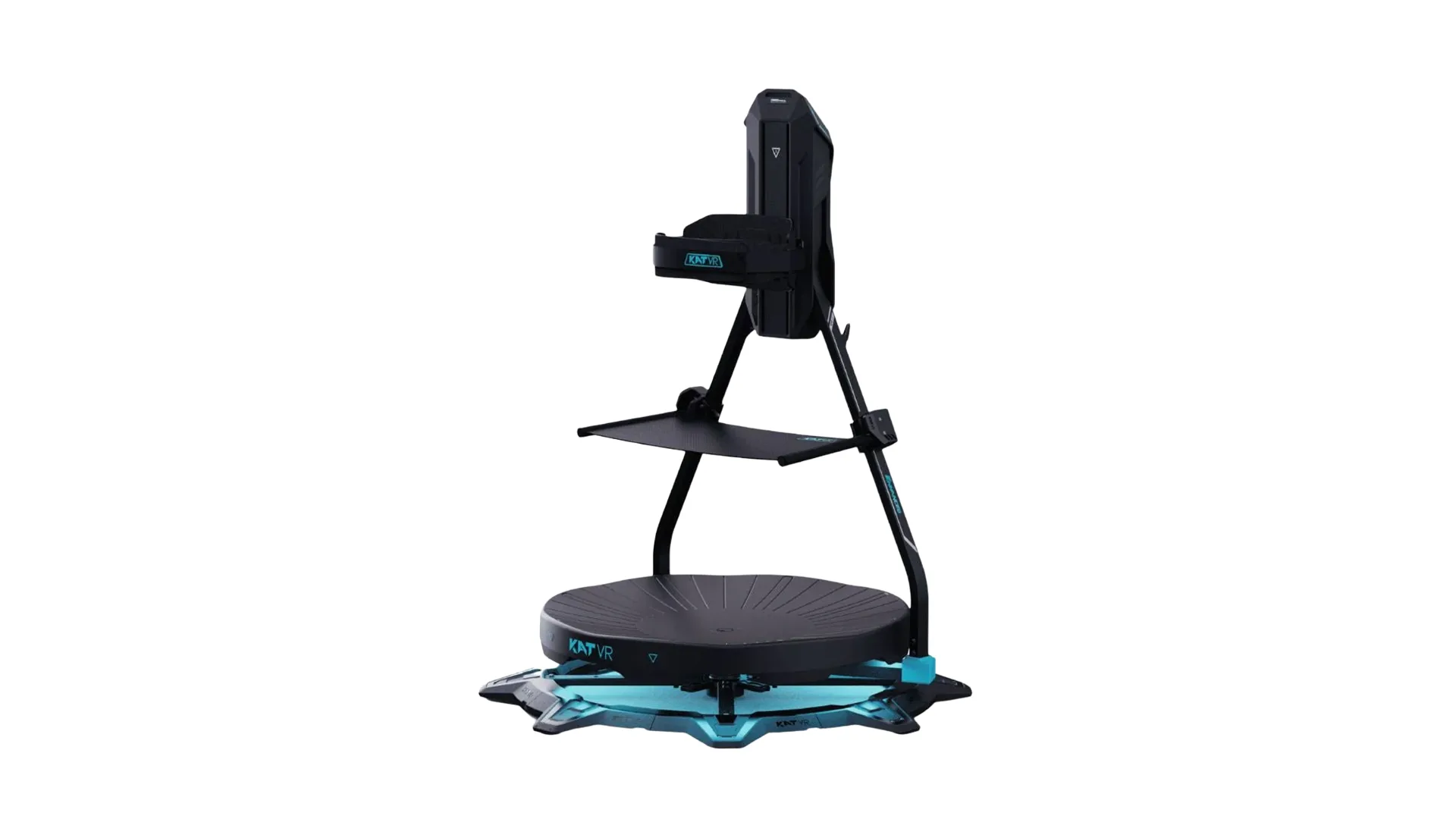
Kat VR - C2 Plus Enhanced Treadmill
a VR Treadmill that works with a large amount of VR Platforms