Horizon OS 2.7 - Gamepad Emulation & 240Hz Refresh Rate To Quest 3
Meta's latest Horizon OS 2.7 update adds gamepad emulation for Touch Plus controllers and pushes Quest 3 refresh rates up to 240Hz for buttery-smooth visuals.
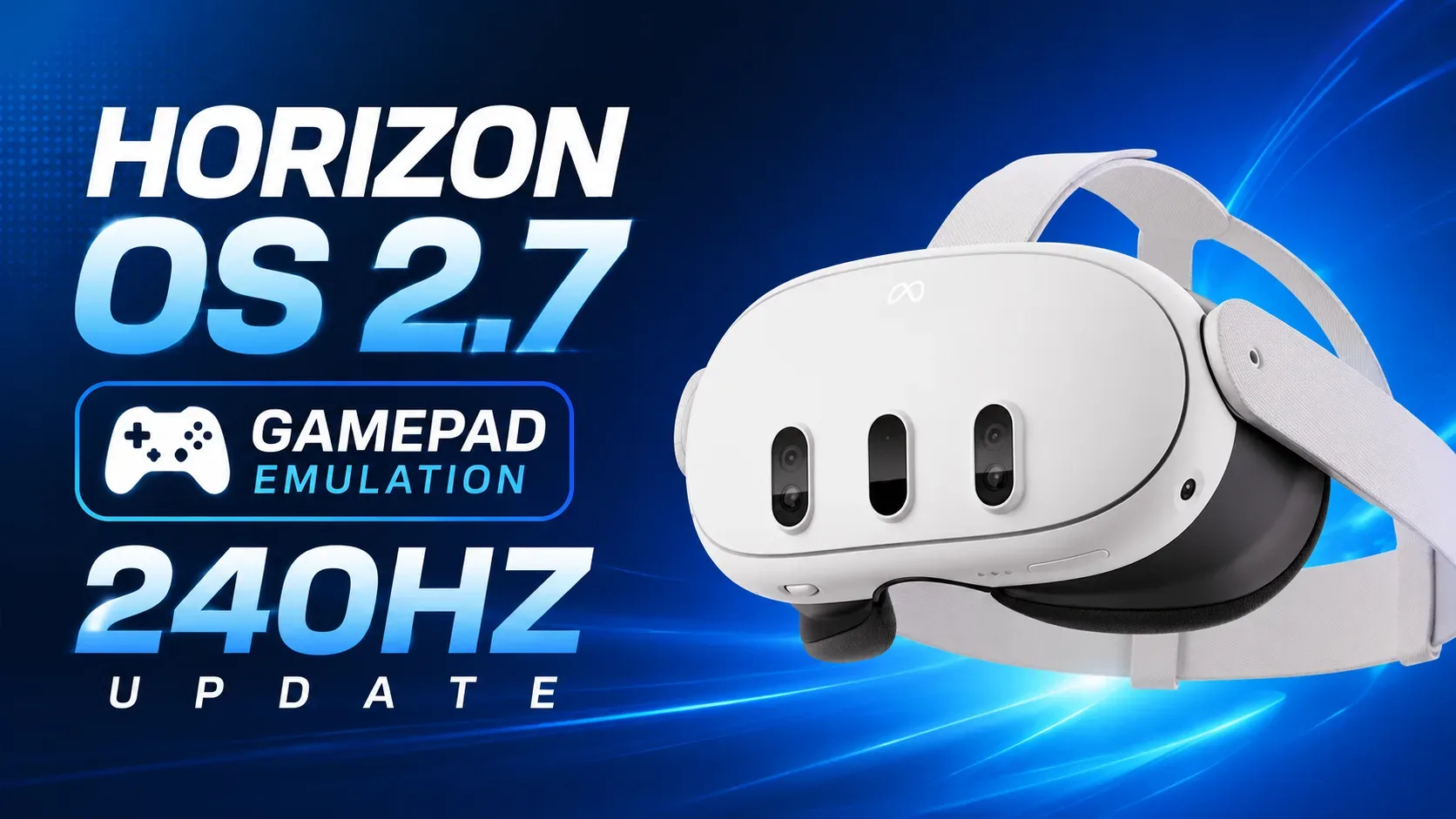
Meta's rolling out Horizon OS 2.7, and it's packing two features that Quest 3 owners are going to absolutely love: gamepad emulation for the Touch Plus controllers and support for refresh rates up to 240Hz. Both are proper game-changers if you're serious about getting the most out of your headset.
What's the Big Deal with Gamepad Emulation?
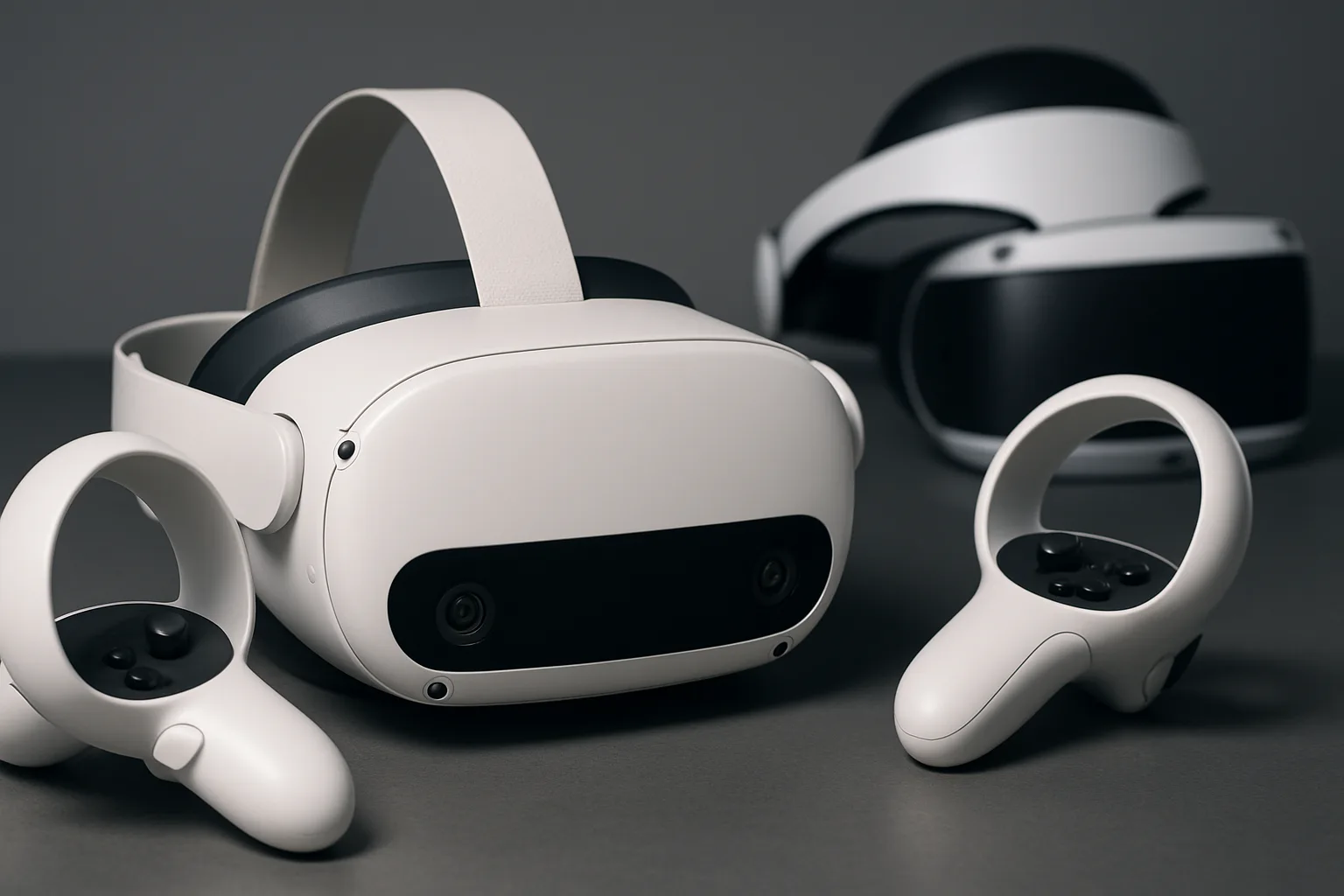
Right, so gamepad emulation is exactly what it sounds like. Your Quest Touch Plus controllers can now pretend to be a traditional gamepad when needed. This is brilliant for games and apps that were designed with standard controllers in mind but never quite got proper VR motion controller support. Instead of faffing about with awkward button mappings or missing out on certain titles entirely, you can just use your VR controllers as if they were an Xbox pad.
For those of you who enjoy games like Assetto Corsa Competizione or other seated experiences that work better with traditional input, this opens up a lot more flexibility. It's not going to revolutionize your experience in fast-paced action titles like Pistol Whip, but for cockpit games, racing sims, or even just navigating certain menus, it's a welcome quality-of-life improvement.
240Hz Refresh Rate: Buttery Smooth Performance
Now let's talk about the real headline grabber—240Hz refresh rates on Quest 3. Previously, the headset maxed out at 120Hz, which was already pretty smooth. But 240Hz? That's genuinely impressive for a standalone VR headset. The higher refresh rate means motion looks crisper, tracking feels more responsive, and everything just flows better. If you've ever experienced high refresh rate gaming on a PC monitor, you'll know exactly what I mean—once you've seen it, you can't go back.
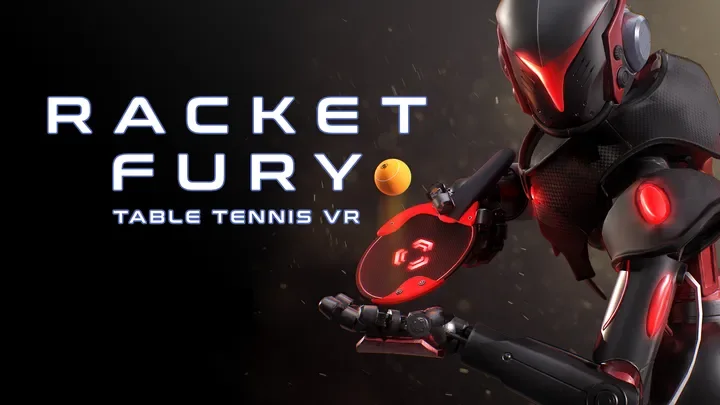
This is especially important for competitive multiplayer games or anything that demands quick reactions. Whether you're playing Racket Fury: Table Tennis VR or any other fast-paced title, that extra smoothness could genuinely improve your performance. It also reduces motion blur and can help with comfort for some users, making those longer sessions in VR a bit easier on the eyes.
The Lordsi Take: Is This Actually Useful?
Look, I'll be straight with you—240Hz is fantastic on paper, but it's only as good as the apps that support it. Developers need to actually optimize their games to take advantage of these higher refresh rates, and that takes time. Right now, the library of titles that'll benefit is limited, but as more devs catch on, this could become a genuine selling point for the Quest 3 hardware.
As for gamepad emulation, it's one of those features you didn't know you needed until it's there. It won't blow your mind, but it'll make certain experiences far less frustrating. Both updates show Meta's commitment to squeezing every last drop of performance out of the Quest 3, which is exactly what you want to see from a platform holder.
If you've got a Quest 3, keep an eye out for Horizon OS 2.7 rolling out to your headset. It might not arrive all at once—Meta tends to stagger these updates—but when it does, you'll want to dive into the settings and see what your headset can really do. The Quest 3 just got a bit better, and that's always worth celebrating.
Join the discussion below. Sign in to leave a comment or reply.
You need to be signed in before you can leave a comment or reply to the discussion.
Keep exploring
Explore topics →