Discord App Launches on Meta Quest But Technical Issues Mar Rollout
Discord arrives as a 2D app on Quest headsets with streaming support and free Nitro, but users report numerous bugs and performance problems.
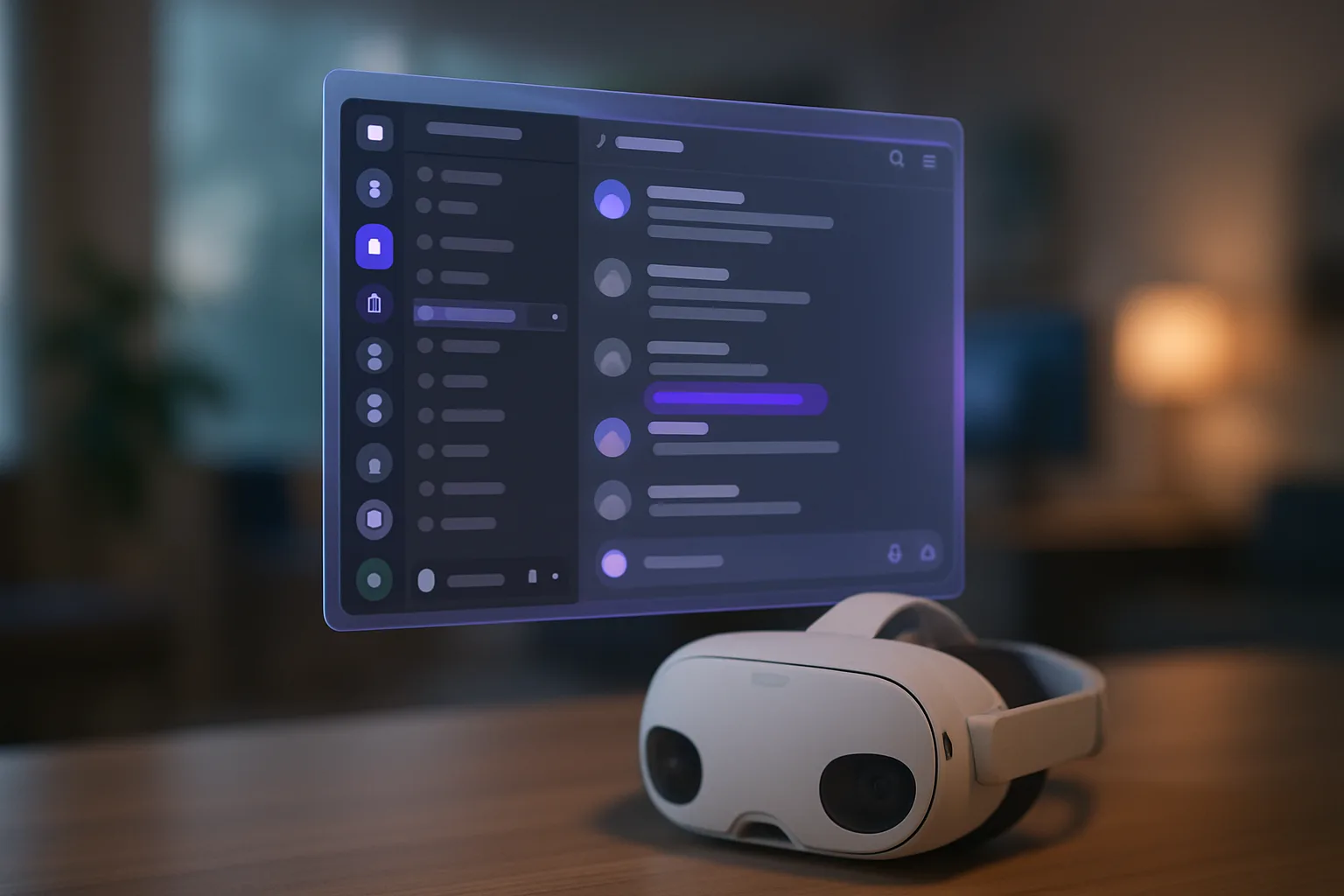
Right, so Discord has finally landed on Meta Quest 3 and other Quest headsets, and whilst it's bloody brilliant to see in theory, the execution is... well, let's just say it needs some serious work. Meta's rolled out Discord as a proper 2D app that you can pin in your VR space, complete with streaming capabilities and a cheeky month of Discord Nitro thrown in for good measure. Sounds ace, doesn't it? Problem is, the current state of things is rougher than a builder's hands.
The app itself functions as a standard 2D Discord window that floats in your VR environment, which means you can chat with mates, browse servers, and even stream what you're doing in VR directly to your Discord channels. That streaming feature is genuinely useful for those of us who want to share our VR sessions without faff, and the free Nitro sweetener is a nice touch from Meta. But here's where things get dicey – users are reporting a proper laundry list of issues. We're talking crashes, audio desync, streaming quality that looks like it's being broadcast through a potato, and general performance hiccups that make the whole experience feel half-baked.
What's Actually Working (Sort Of)
When it does work, the integration is fairly straightforward. You can grab the Discord app from the Quest Store, log in with your existing account, and start using it alongside your VR games and apps. The streaming functionality is the real draw here – being able to broadcast directly from your Oculus Quest 2 or Quest 3 without additional capture hardware is genuinely handy for content creators and folks who just want to show off their latest VR gaming sessions. The month of Nitro is a proper bonus if you're not already subscribed, giving you access to better streaming quality, custom emojis, and all that jazz.
The Rough Bits (And There Are Many)
But let's be honest – this feels like an early beta that's been pushed out the door before it's ready. People are complaining about the app freezing mid-conversation, notifications not working properly, and the streaming feature dropping frames like nobody's business. Some users report that voice chat quality is inconsistent, which is pretty fundamental for an app that's literally built around communication. There's also the matter of the interface not being particularly optimised for VR interaction – it's essentially just the desktop Discord app stuck in your face, which isn't exactly ergonomic when you're wearing a headset.
The Verdict
Look, I'm glad Discord is finally on Quest. It's been ages coming, and the potential here is massive for VR communities. But Meta and Discord need to sort out these technical gremlins sharpish. Right now, it feels like you're beta testing for them, which is a bit rubbish when you've paid good money for your headset. If you're desperate for Discord in VR, give it a go – just don't expect a polished experience. For everyone else, maybe wait a few updates until they've ironed out the wrinkles. The bones of something good are here; it just needs proper flesh on them before it's genuinely useful rather than frustratingly buggy.
Join the discussion below. Sign in to leave a comment or reply.
You need to be signed in before you can leave a comment or reply to the discussion.
Keep exploring
Explore topics →