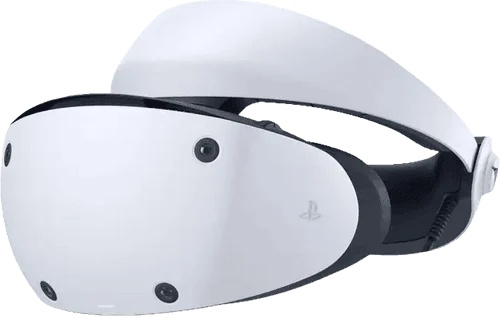
XR Replay App Brings Instant Replay Recording to Quest Headsets
New app from Quest Games Optimizer dev lets you save the last few minutes of VR gameplay with a button press.
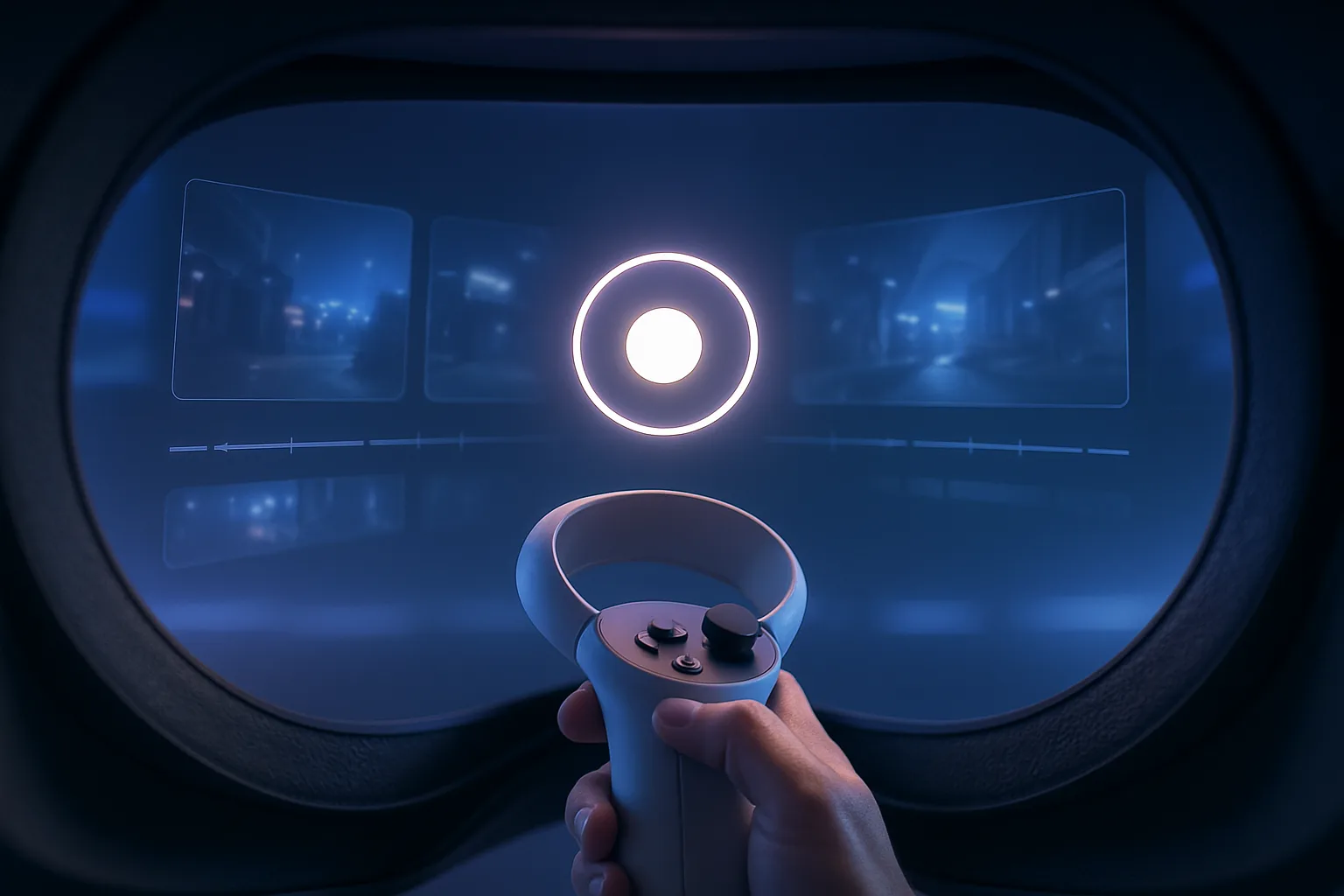
Right, this is absolutely brilliant. If you've ever done something incredible in VR and immediately thought 'bloody hell, wish I'd been recording that,' you need to know about XR Replay. It's the latest creation from the developer behind Quest Games Optimizer, and it's basically solved one of the most annoying problems with capturing VR gameplay.
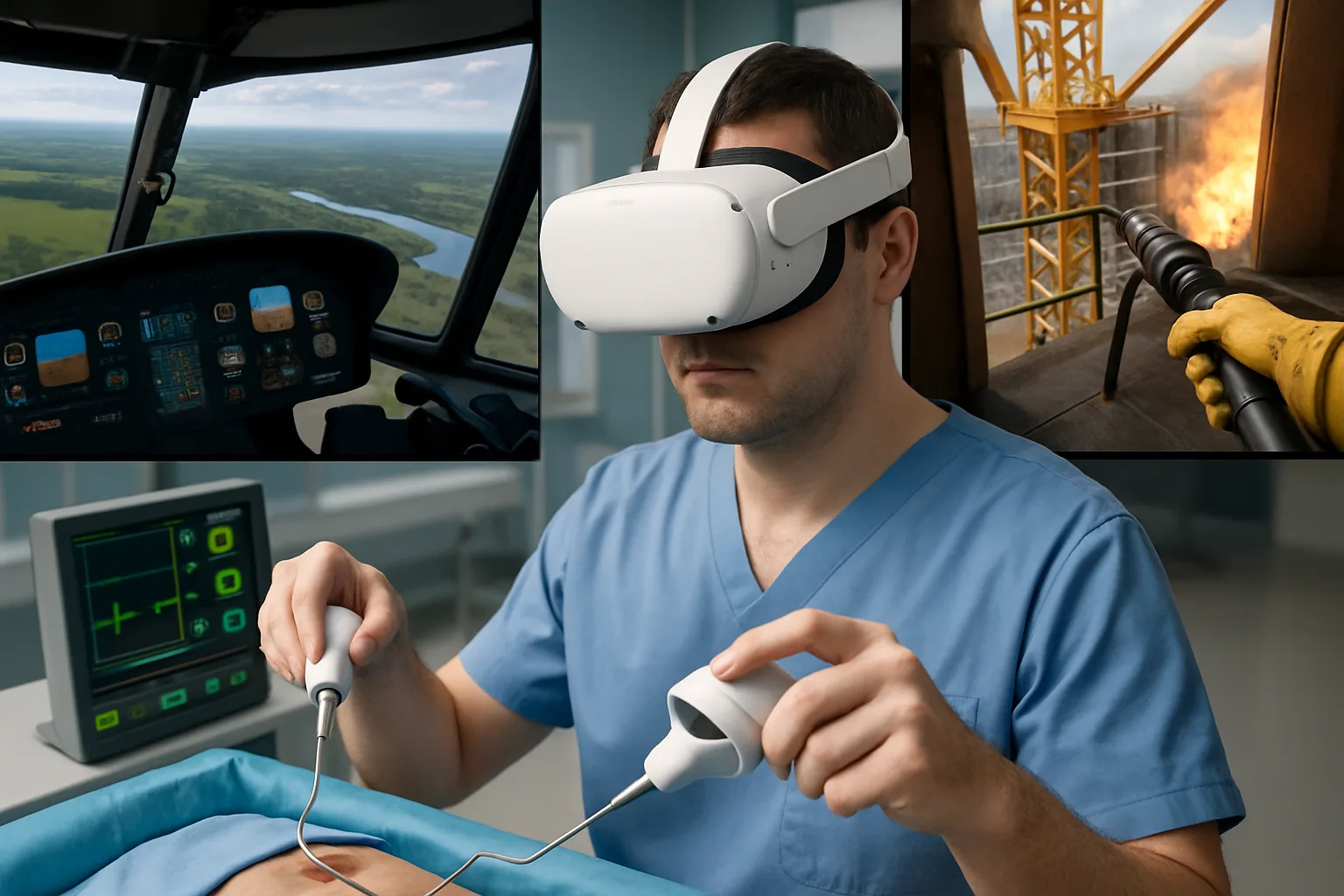
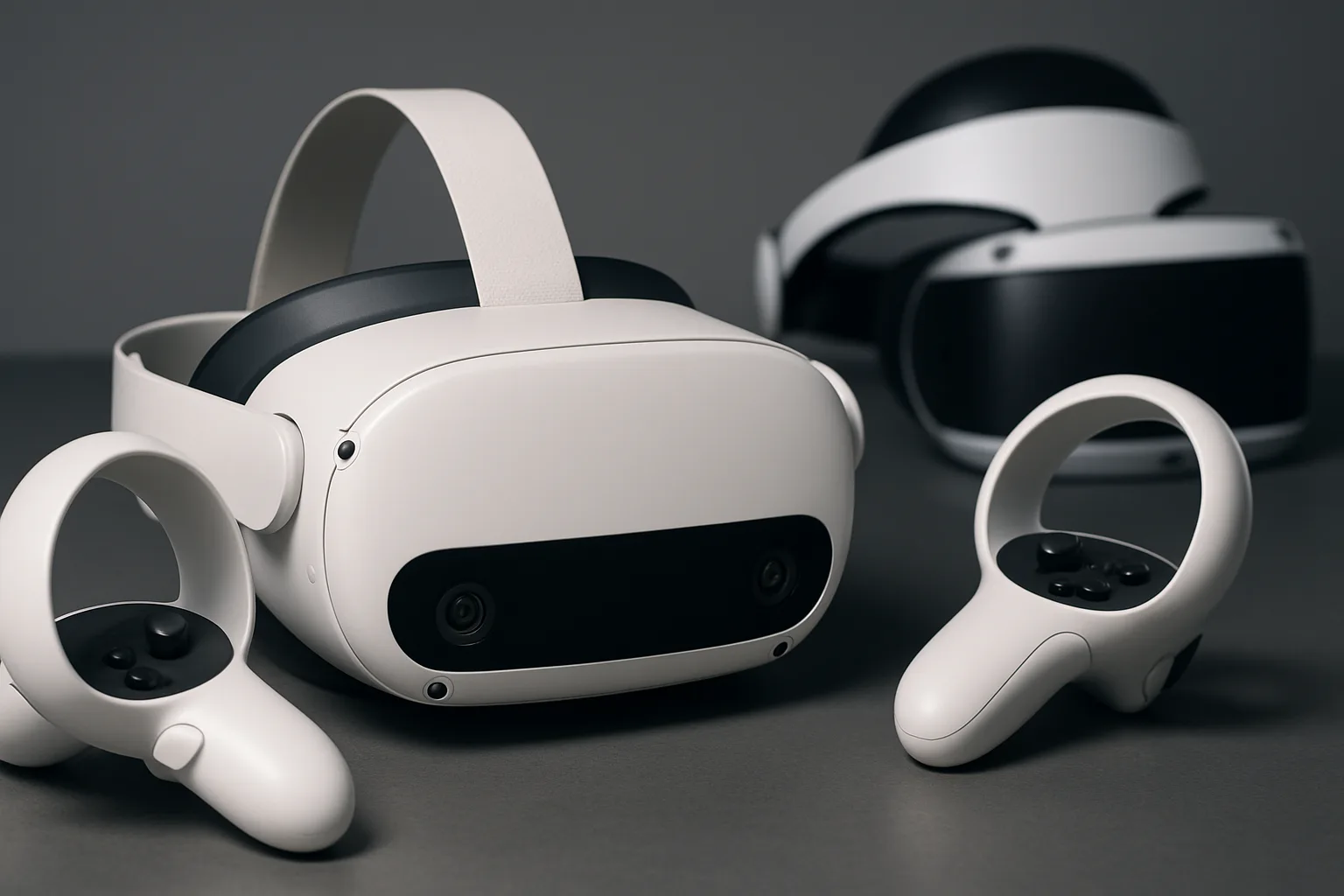
Here's how it works: XR Replay runs quietly in the background on your Meta Quest 3 or Oculus Quest 2, constantly recording a rolling buffer of the last few minutes of whatever you're doing. When something epic happens—maybe you've just pulled off an impossible shot in Pistol Whip, or you've finally beaten that ridiculous boss fight—you just hit a button and boom, it saves the footage. No need to predict the future and start recording before the magic happens.
Why This Actually Matters
The traditional Quest recording system is proper clunky, innit? You've got to manually start recording, which means you're either recording hours of mundane gameplay just to catch those few golden moments, or you're missing them entirely. XR Replay solves this with what's essentially an 'instant replay' feature, like what you'd get on a PlayStation or Xbox, but for VR. It's genuinely one of those 'why didn't Meta build this into the system already?' moments.
The app comes from a developer who clearly knows their way around Quest optimisation, which gives me confidence it won't absolutely hammer your headset's performance or battery life. That said, there's obviously going to be some overhead from constantly recording in the background, but if it's anywhere near as well-optimised as Quest Games Optimizer, it should be manageable.
What You Need to Know
XR Replay is available now, and while the developer hasn't announced exact pricing yet, apps like this typically run a few quid at most. It works across Quest titles, though I'd imagine there might be some compatibility quirks with certain games—that's just the nature of third-party recording tools. The key thing is that it gives you control over your VR moments without forcing you to fill up your storage with hours of 'just in case' footage.
For content creators and anyone who likes sharing their VR experiences, this is going to be a proper game-changer. No more forgetting to hit record, no more filling up your Meta Quest Pro storage with rubbish you'll never watch. Just pure, spontaneous VR brilliance, captured exactly when you want it. Honestly, it's about time someone built this.
Join the discussion below. Sign in to leave a comment or reply.
You need to be signed in before you can leave a comment or reply to the discussion.
Keep exploring
Explore topics →