Apple Vision Pro Finally Gets YouTube: A Small App With Big Implications
Apple Vision Pro Finally Gets YouTube: The Update That Makes The Headset Make Sense
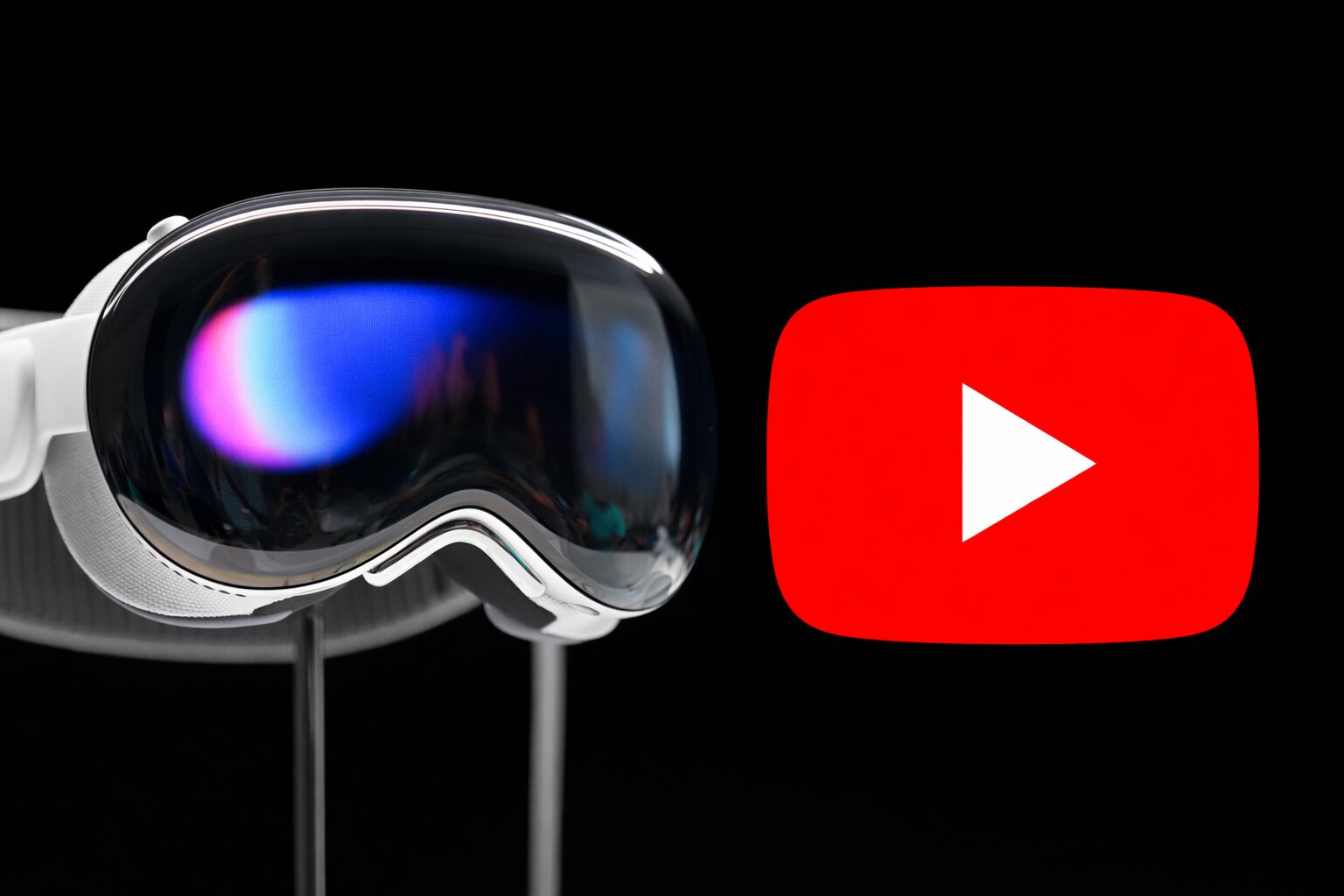
Apple Vision Pro Finally Gets YouTube: The Update That Makes The Headset Make Sense
The arrival of a native YouTube app doesn’t change the Vision Pro’s hardware — but it fundamentally changes how people will actually use it.
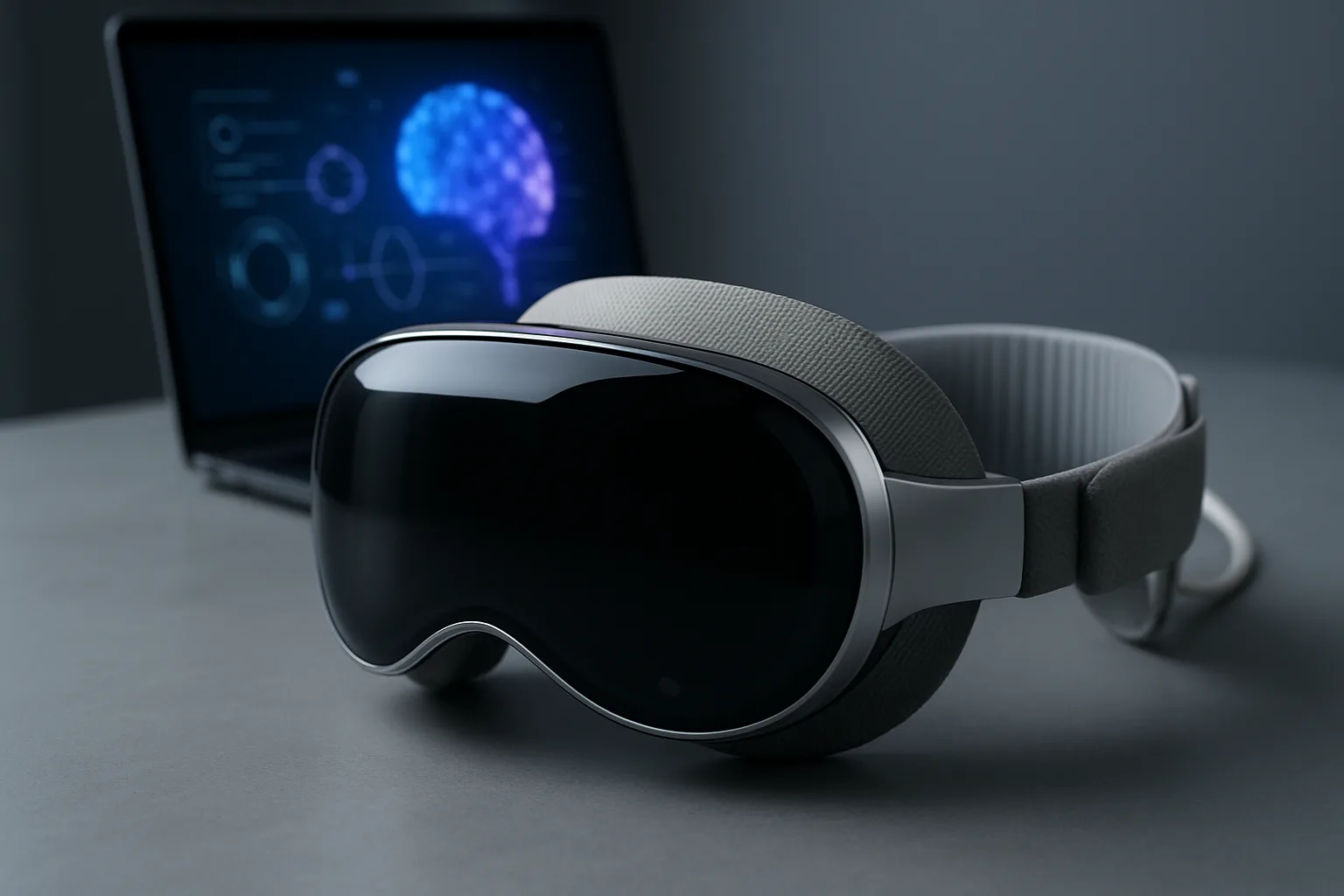
Since the day the Apple Vision Pro launched, one omission stood out more than any other: YouTube. The headset could run powerful productivity apps, display massive virtual monitors, and showcase Apple’s carefully curated immersive experiences — yet the world’s largest video platform existed only through a browser window. It worked technically, but it never felt like a true part of the device. For a product positioned as a spatial computer and media machine, that gap mattered more than any missing game.
The arrival of a native YouTube application changes that immediately. Built specifically for visionOS, the app transforms video from something you open occasionally into something you naturally live inside. Windows appear anchored in your space, can be resized effortlessly, and remain stable as you move around the room. Navigation feels faster, playback is more reliable, and the experience finally feels intentional rather than adapted.
More importantly, it gives the Vision Pro a daily purpose. Before this, the headset often felt like a device you demonstrated — a piece of technology you showed to people rather than something you casually used. With YouTube installed, it becomes something you pick up to watch a video while eating, working, or relaxing. That shift sounds small, but it is the difference between novelty and habit.
The headset’s display clarity makes an immediate impact on video quality. High-resolution content benefits dramatically, with compression artifacts and blur far less noticeable than on phones or televisions. Well-shot footage begins to resemble a physical screen rather than a digital panel floating in space. Cinematic creators, travel filmmakers, and documentary channels benefit most, as the scale and sharpness create a level of immersion traditional screens struggle to match.
The real transformation appears when viewing immersive formats. Support for 360° and VR180 video finally gives those formats hardware capable of presenting them properly. Landscapes feel expansive rather than spherical, concerts feel present instead of distant, and depth cues begin to align with expectation rather than compromise. Not every video reaches that level, but the best ones move beyond gimmick and into convincing spatial media.
This also changes the platform for creators. Previously, Vision Pro lacked a consistent way for audiences to consume normal YouTube content inside the headset, limiting its relevance outside Apple’s ecosystem. Now every channel automatically gains a new viewing environment — one where screen size is effectively unlimited and distractions fade away. Long-form and high production value videos benefit most, turning passive watching into focused viewing.
The experience is not perfect. Immersive libraries remain limited, regional playback differences exist, and most videos still appear as traditional flat content within a virtual screen. But the hardware no longer feels like it is waiting for purpose. Instead, it feels ready for content that is steadily arriving.
Ultimately, this update matters less because of the app itself and more because of what it represents. Spatial devices succeed not through occasional showcases but through everyday behaviour, and YouTube is one of the most universal daily habits in technology. By adding it natively, the Vision Pro moves closer to replacing a monitor or television rather than existing beside them.
The hardware hasn’t changed, but the role of the device has. The Vision Pro no longer feels like a demonstration of the future — it finally feels like a product you would naturally use in the present.
Join the discussion below. Sign in to leave a comment or reply.
You need to be signed in before you can leave a comment or reply to the discussion.
Keep exploring
Explore topics →