Virtual Desktop Beta Finally Brings Wired USB Support To Quest Headsets
Virtual Desktop's latest beta lets Quest users ditch wireless streaming for good old-fashioned USB tethering when WiFi isn't cutting it.
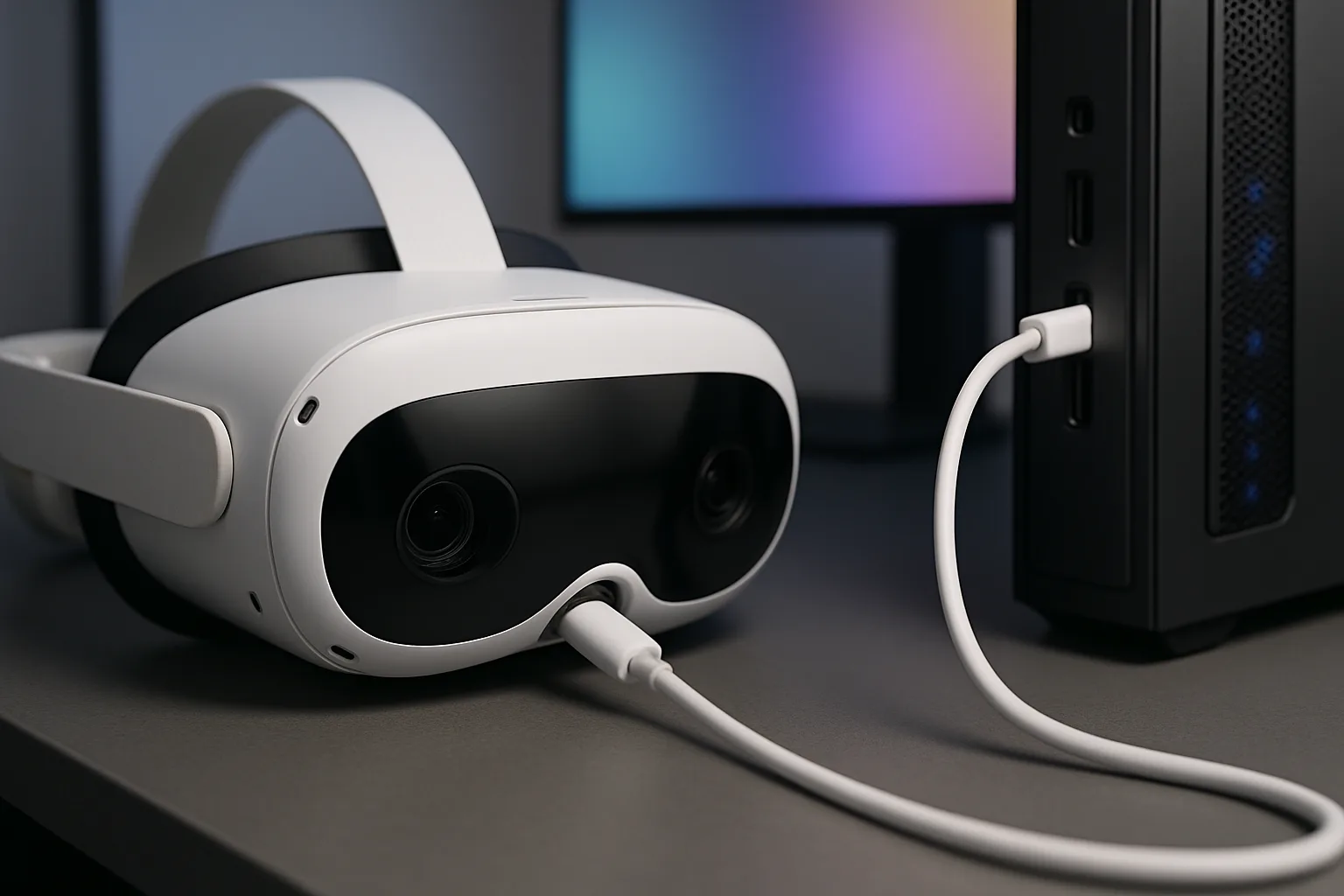
Right, this is one of those updates that's been ages in the making. Virtual Desktop, the essential PC VR streaming app that pretty much every Meta Quest 3 and Oculus Quest 2 owner has installed, has just dropped USB wired support in its latest beta release. Yeah, you read that right – you can now plug your Quest directly into your PC for streaming, which is frankly brilliant news if your WiFi setup is about as reliable as British summer weather.
Why Wired Matters When Wireless Has Been The Whole Point
I know what you're thinking: isn't Virtual Desktop's entire selling point the fact it's wireless? Well, yes, but here's the thing – wireless streaming is only as good as your network setup. Not everyone's got a dedicated WiFi 6 router sitting two feet from their play space, and some folks are stuck with dodgy connections that turn Half-Life: Alyx into a stuttery mess. Having the option to go wired means you can guarantee a stable, low-latency connection when you absolutely need it. It's about choice, innit?
What This Means For Quest Users
The USB support works exactly as you'd expect – grab a decent USB-C cable, plug your Quest into your gaming PC, and Virtual Desktop handles the rest. This puts it in direct competition with Meta's own Link cable solution, but with all the extra bells and whistles that Virtual Desktop's known for. We're talking better customization options, superior performance tweaking, and honestly, a more polished experience overall. For Meta Quest Pro users especially, this could be a game-changer if you're doing serious PCVR work and can't afford any wireless hiccups.
How To Get Your Hands On It
Since this is a beta release, you'll need to opt into the beta channel through the Meta Quest store or SideQuest, depending on how you normally update your apps. The feature's still being tested, so expect a few rough edges here and there, but early reports suggest it's working solid. Developer Guy Godin has been absolutely smashing it with updates lately, and this feels like another example of actually listening to what the community wants rather than just assuming wireless is perfect for everyone.
Bottom line? If you've been frustrated with wireless streaming or just want the most rock-solid PCVR experience possible on your Quest, this update is absolutely worth checking out. It's not replacing wireless – it's giving you options, and in the VR space, that's always a good thing.
Join the discussion below. Sign in to leave a comment or reply.
You need to be signed in before you can leave a comment or reply to the discussion.
Keep exploring
Explore topics →